How to run CRO tests on PDP/PLP and measure lift in Shopware 6?
Quick Answer
You can run CRO tests on Shopware 6 PDPs and PLPs by combining an A/B testing tool, proper event tracking, and a clean experiment structure. The biggest mistake most stores make is testing layout changes without tracking business metrics like add-to-cart rate, revenue per visitor, or filtered category engagement. The setup below covers how to structure tests, track lift correctly, and avoid polluted data.
Before You Start
- ✦ Analytics tracking — You need GA4, Matomo, or another analytics platform already recording commerce events.
- ✦ Consistent product templates — Testing becomes unreliable if every category or PDP layout differently.
- ✦ Enough traffic volume — Stores with very low sessions usually cannot reach statistical confidence fast enough.
Choose testing stack
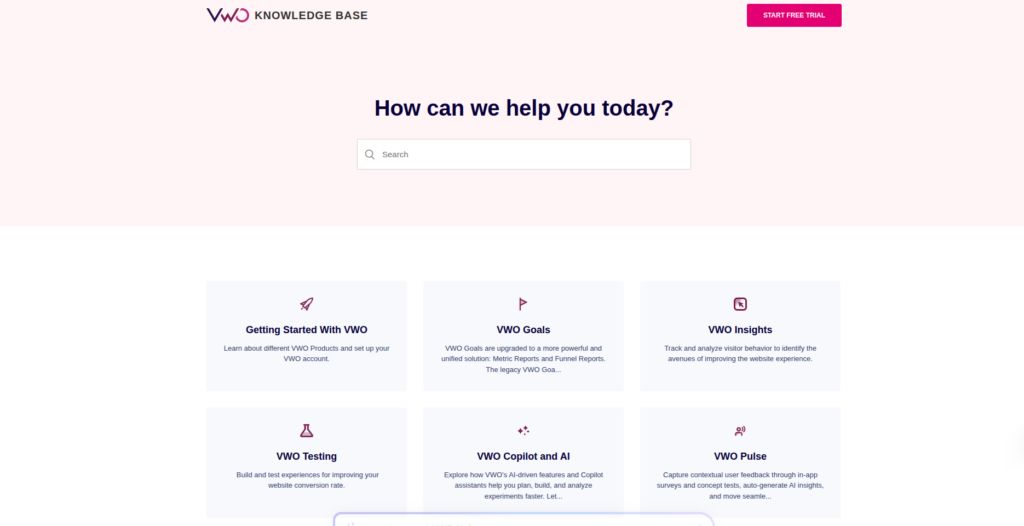
Start with one testing platform and keep the setup simple. Most Shopware stores use Google Optimize alternatives like VWO, Convert, AB Tasty, or custom feature-flag testing through GTM and GA4. PDP and PLP testing usually touches JavaScript, CMS blocks, filters, sorting logic, or buy-box layouts—so your testing tool must support frontend DOM changes without slowing the storefront down.
- Pick one testing platform only
- Connect it to GA4 or Matomo
- Verify scripts load after consent acceptance
Define one KPI
Every experiment needs one primary success metric. For PDP tests, that is usually add-to-cart rate, checkout starts, or revenue per session. For PLPs, it is often product clicks, filter usage, or category conversion rate. If you track too many success metrics, teams start cherry-picking the best-looking number after the test ends.
- Choose one primary KPI
- Add two or three secondary metrics
- Exclude internal staff traffic
Build controlled variants
Change one meaningful thing at a time. On PDPs that might be gallery placement, sticky add-to-cart bars, trust badges, delivery messaging, or variant selectors. On PLPs, common tests include filter positioning, infinite scroll, quick add buttons, and product card density. Small cosmetic tests rarely move revenue enough to justify the effort.
- Duplicate CMS layouts before editing
- Keep pricing identical between variants
- Test mobile and desktop separately if needed
Track experiment data
Pass experiment IDs and variant names into your analytics platform. This lets you segment conversion data correctly later. In Shopware 6, most teams push this into the data layer through GTM or custom storefront JavaScript. Without experiment attribution, your analytics dashboard becomes impossible to trust after several tests run simultaneously.
- Push variant data into the data layer
- Validate events in GA4 debug mode
- Track revenue alongside engagement metrics
Measure statistical lift
Wait until traffic volume reaches meaningful confidence before declaring a winner. Most PDP and PLP tests need at least one or two full business cycles because weekday traffic behaves differently from weekend traffic. A variant showing a temporary 20% lift after two days often disappears once larger sample sizes come in.
- Run tests for full traffic cycles
- Compare revenue, not clicks alone
- Document findings after every test
Shopware CRO Testing Checklist
0 of 6 completeMistakes Most Developers Make
! Testing too many changes
What happens: Nobody knows which change actually improved conversion.
Fix: Test one meaningful layout or UX variable at a time.
! Ignoring mobile segmentation
What happens: A winning desktop variant can reduce mobile conversion badly.
Fix: Review results separately for desktop, tablet, and mobile users.
! Ending tests too early
What happens: Temporary spikes get mistaken for genuine conversion lift.
Fix: Wait until statistical confidence and full traffic cycles are complete.
Key Takeaway
The short version: successful Shopware CRO testing depends more on measurement quality than flashy design experiments. Focus on PDP and PLP areas directly tied to revenue, keep tests isolated, and track experiment data properly inside your analytics platform. Most failed CRO programs come from weak tracking or ending tests too early—not from bad ideas. Start with Step 2—that one alone handles most of it.
Related Answers

Still need help?
Talk to our Shopware experts
We've handled GDPR/CCPA compliance for dozens of EU & US Shopware stores.