How to build funnels and cohorts from Shopware 6 data?
Quick Answer
You can build funnels and cohort reports from Shopware 6 data by combining customer, order, and event data inside a BI tool or warehouse layer. Most teams export Shopware data into BigQuery, PostgreSQL, or Snowflake, then model sessions, conversions, repeat purchases, and retention trends from there. The setup itself is not difficult—but getting clean tracking and consistent identifiers is where most stores fail.
Define reporting events
Before touching dashboards, decide what actually counts as a funnel step or cohort trigger in your store. For most Shopware builds, funnels include product views, add-to-cart events, checkout starts, payment attempts, and completed orders. Cohorts usually group customers by first purchase month, acquisition source, or first product category purchased. If these definitions change halfway through the project, your reports become useless fast.
- Define every funnel stage before implementation
- Choose one unique customer identifier
- Document attribution rules early
Export Shopware data
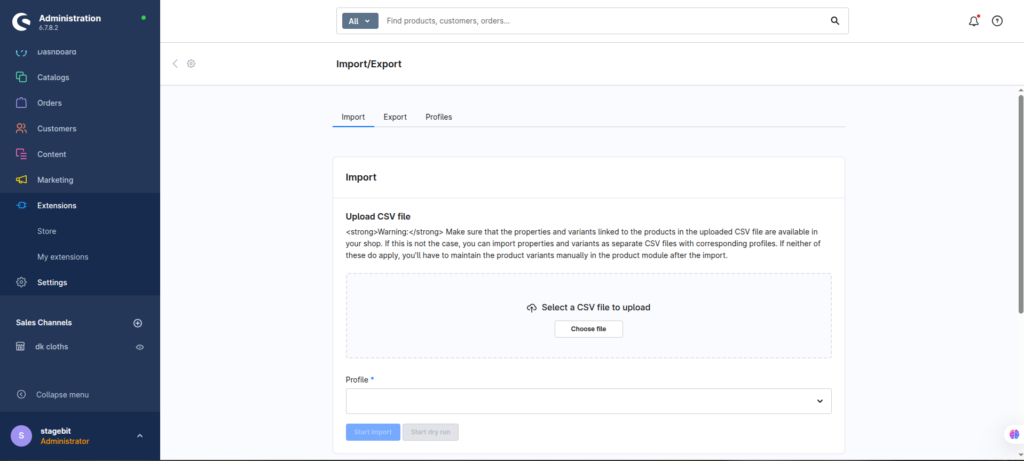
Shopware is not a BI platform. So the normal approach is exporting data into a warehouse or analytics pipeline. Most stores use scheduled API syncs, ETL tools, or direct database replication. You need orders, order line items, customers, carts, and optionally Flow Builder or plugin event data. Try to avoid CSV-based reporting once order volume grows beyond a few thousand orders per month.
- Sync customer and order entities daily
- Store timestamps in UTC consistently
- Keep raw event logs before transformation
Model funnel stages
Funnel reporting works best when every stage is treated as a clean event table. A typical sequence is session started → product viewed → cart created → checkout started → order completed. Once those events exist, you can calculate drop-off rates between each stage. This is usually easier in SQL or a BI modeling layer than directly inside Shopware.
- Create one timestamp per event stage
- Calculate conversion percentages between stages
- Separate guest and logged-in customers
Build cohort reports
Cohort analysis shows how customer groups behave over time. The most useful Shopware cohorts are usually first-order month, acquisition channel, country, or first purchased brand. Once grouped, you can measure repeat purchases, retention rates, average order value, or lifetime revenue. This is where subscription stores and B2B merchants usually discover their highest-value segments.
- Group customers by first conversion date
- Track repeat orders by month interval
- Compare retention across traffic sources
Shopware Analytics Checklist
0 of 6 completeKey Takeaway
The short version: Shopware 6 can absolutely support advanced funnel and cohort reporting, but the reporting layer should live outside the platform itself. The hard part is not dashboards—it is keeping event tracking, customer IDs, and attribution logic consistent across systems. Most reporting problems come from messy source data, not missing charts. Start with Step 1—that one alone handles most of it.
Related Answers

Still need help?
Talk to our Shopware experts
We've handled GDPR/CCPA compliance for dozens of EU & US Shopware stores.